Robotics · IoT · Developer Tools
MdG Robotic Lab
A desktop studio for authoring and playing back servo-driven robotic motion across animatronics, audio cues, digital outputs and AI-assisted workflows.
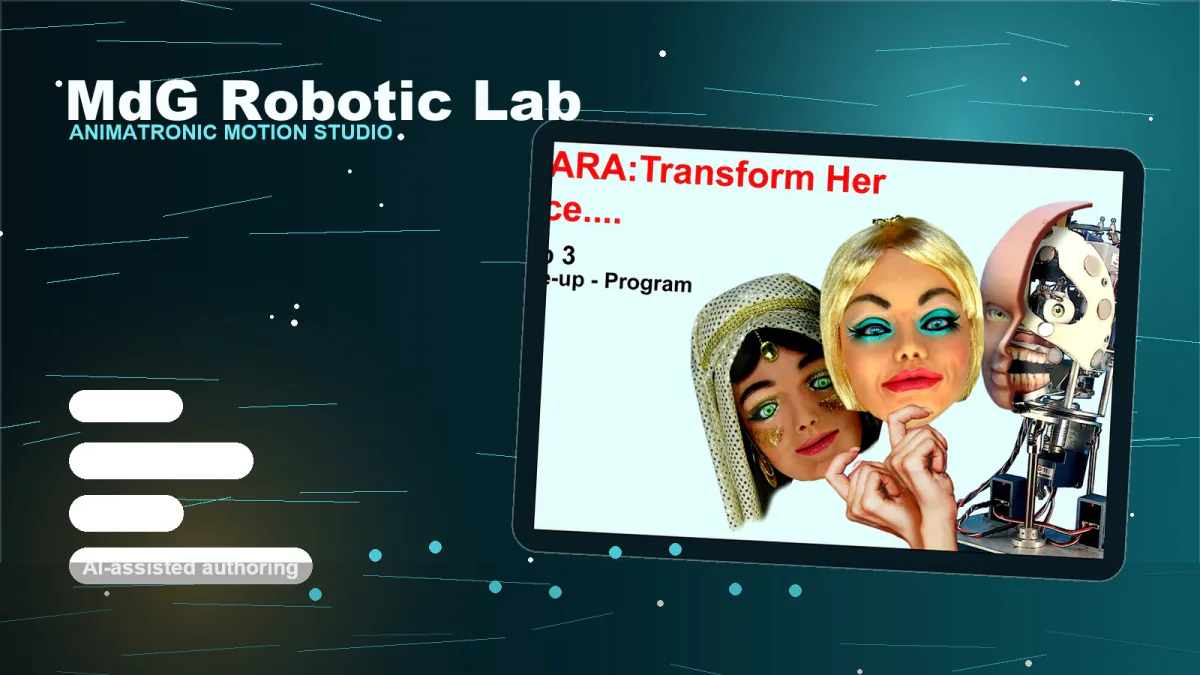
- 4 Hardware element types
- 30 FPS Runtime loop
- AI Authoring assistant
The Project
Motion authoring for animatronics, robotics and electromechanical systems.
MdG Robotic Lab is a desktop studio for designing, testing and playing back servo-driven motion. It turns complex timelines, audio cues, digital outputs and AI-assisted authoring into one controlled environment for real-time robotic performance.
Key Features
- Millisecond motion timeline — a multi-track editor for jaws, eyes, lights, switches, audio and gestures. Every segment lives on a precise time range, so operators can shape motion with the same control they expect from audio or video editing. Timeline precision is 1 ms, and the runtime loop runs at 30 FPS.
- Real hardware playback — runtime workers dispatch motor frames and pin commands through serial ports while keeping playback responsive and safe for physical devices.
- Sound and lip-sync — audio tracks drive synchronized movement using waveform amplitude, speech timing and phoneme-oriented control.
- AI-assisted workflow — a local assistant helps operators navigate documentation, plan movements and accelerate authoring decisions.
- Digital I/O orchestration — timed outputs coordinate relays, lights, pneumatics and other actuators alongside servo motion.
Four element types, one timeline
The studio models every installation as a domain: hardware elements, ports, addresses and animations are kept together so motion can be authored visually and sent to the physical system without translating files by hand.
- Bus servos — multi-servo control over a shared bus, including position, speed and acceleration curves.
- PWM servos — direct PWM pin control for high-power servos with throttled command dispatch.
- Audio output — WAV, MP3 and OGG playback synchronized with movement and lip-sync tracks.
- Digital I/O — timed on/off outputs for relays, lights, pneumatics and other actuators.
From authoring to motion without breaking the chain
The same project model moves from visual editing to runtime playback: every tick evaluates active segments, builds hardware frames and dispatches commands to the correct port worker.
- Open ports — each connected serial port gets a dedicated worker and the runtime timer starts.
- Evaluate segments — the engine finds every timeline segment active at the current millisecond.
- Generate frames — motor frames include position, speed and acceleration; switch tracks become pin commands.
- Dispatch and throttle — the port manager sends commands safely while audio tracks trigger synchronized playback.
Architecture
Clean hierarchy for complex machines.
- Domain — the top-level project containing elements, ports, servos and animations.
- Element — a hardware component with a type, port reference and physical address.
- Animation — a named collection of tracks and segments with an activation mode.
- Segment — an atomic command on a time range: position, speed, audio or switch state.
Trial and production modes
- Trial mode — fast evaluation for beta testers. The application can launch directly into evaluation mode, making it easier to test authoring workflows with real animatronic hardware before production licensing.
- Production mode — offline-ready license verification. Production builds support signed license files, optional hardware binding and revocation checks with an offline fallback for installations that cannot depend on connectivity.
From the lab to a product
The motion authoring software developed in the MdG Robotic Lab is now MotioForge Studio, available as a public Beta for Windows: timeline editor, servo bus and PWM support, synchronized audio with lip-sync and an on-board AI assistant.
Gallery
-
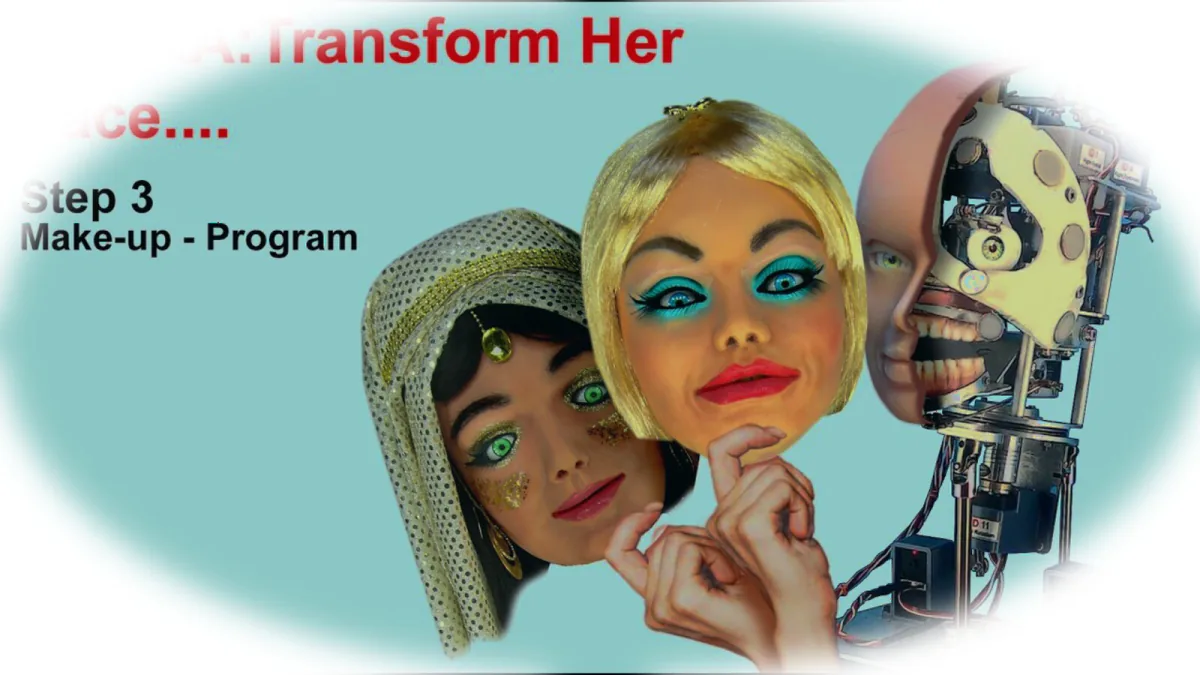
Animatronic reference frame -
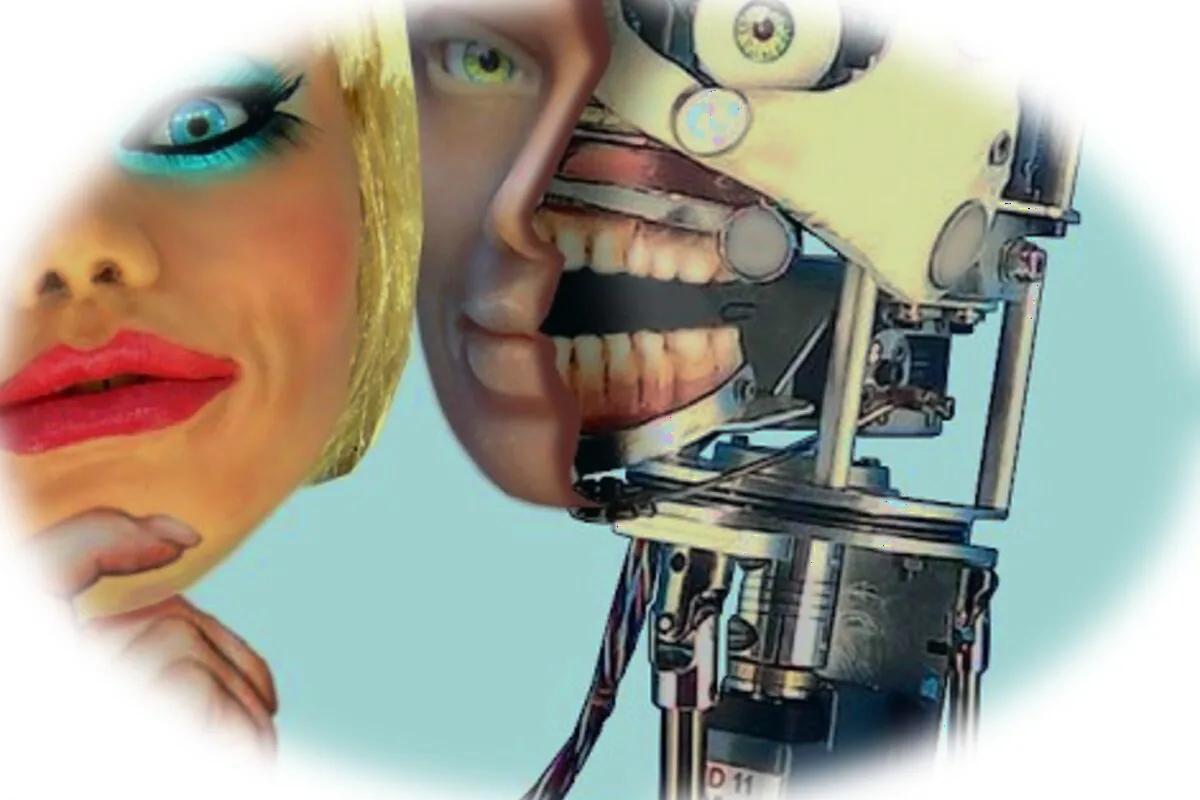
Servo mechanics and facial movement detail -

Expression design, timing and character control